QuickPay for Sellers & Creators

Turn what you sell into a direct payment link.

[01]USE CASES

What you can sell with QuickPay.

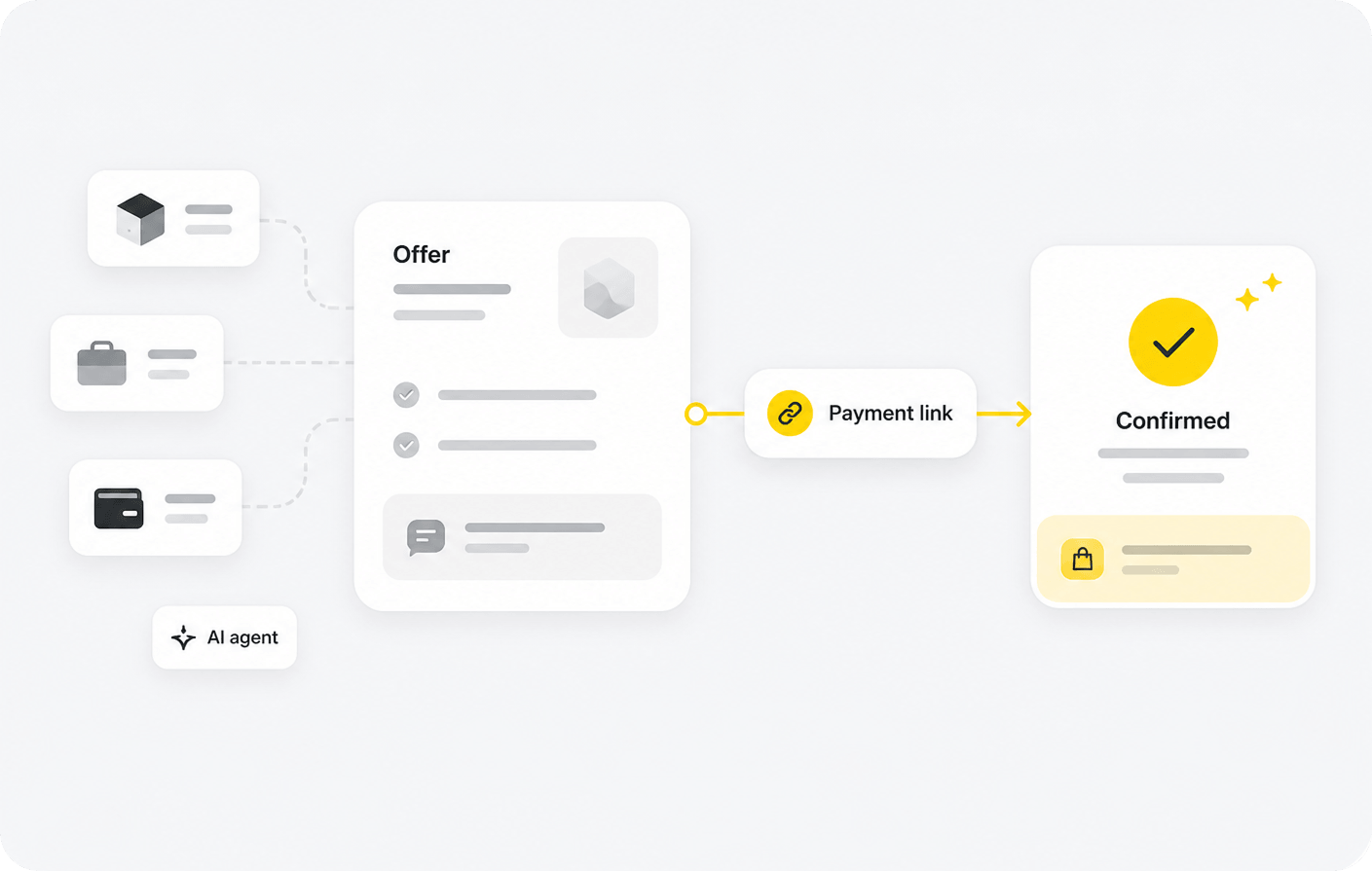
Use a focused payment link for a fixed-price product, a service, or an agreed custom amount.

01

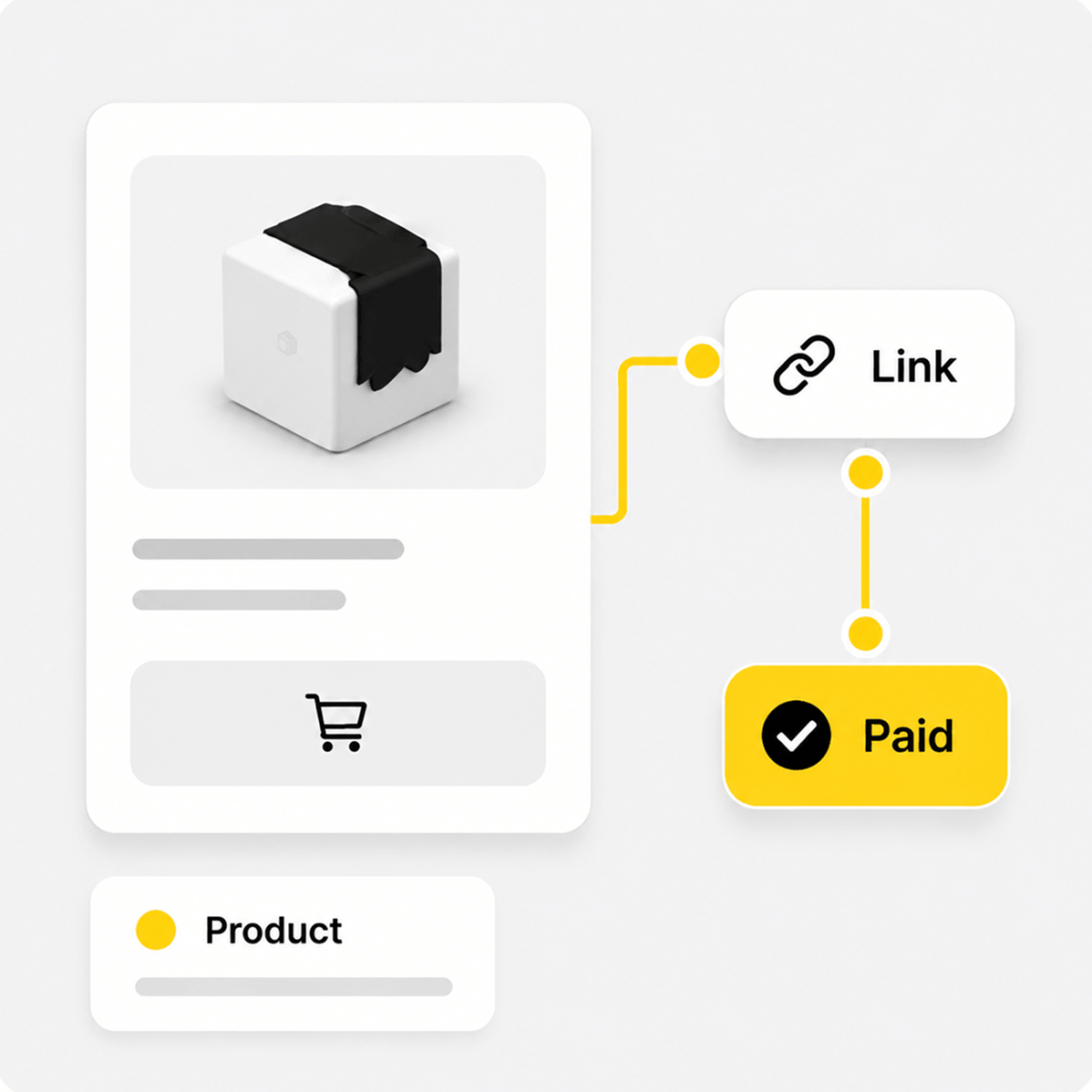
Products

Sell a single fixed-price item without creating a catalog or cart.

02

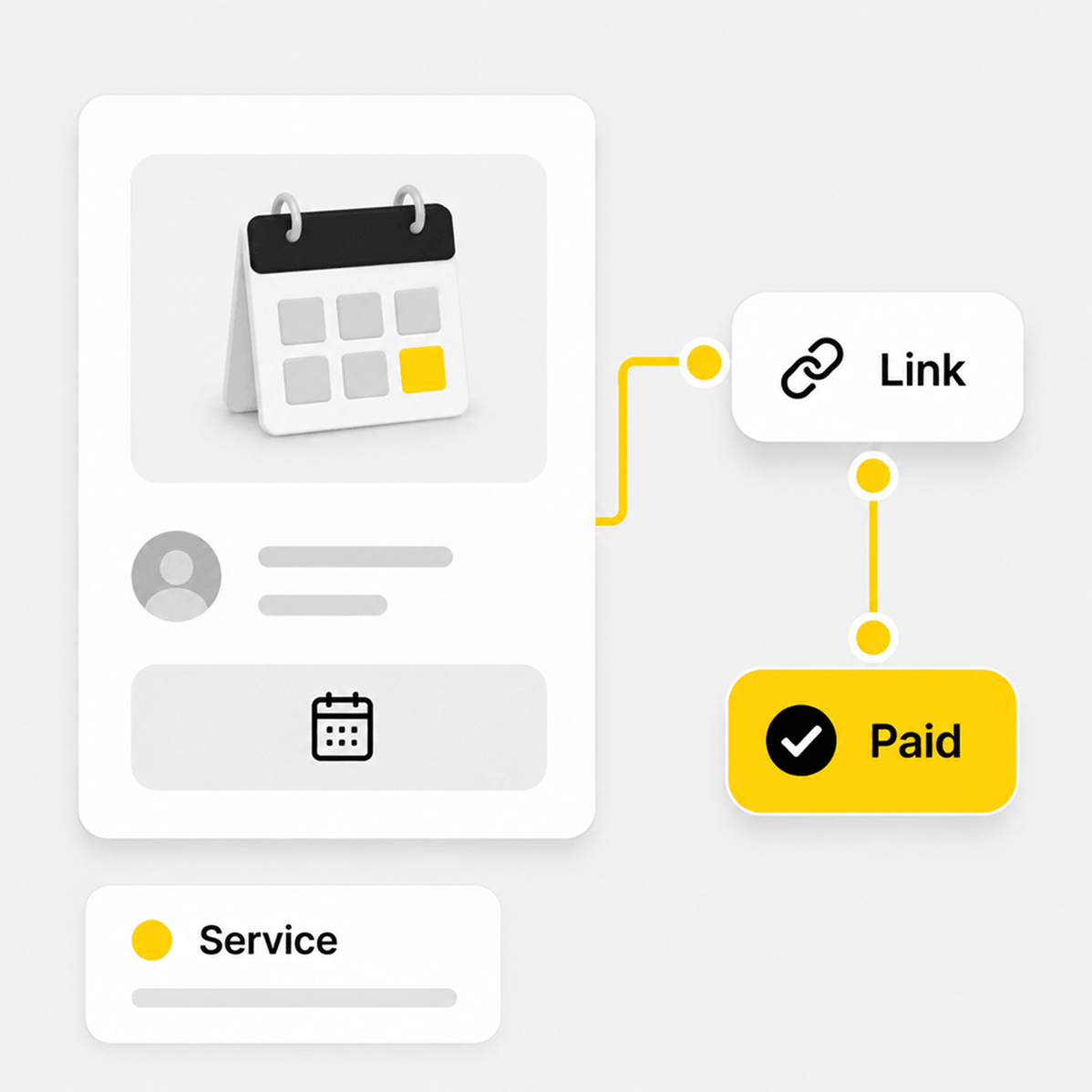
Services

Collect payment for consulting, creative work, bookings, or other services.

03

Flexible Payments

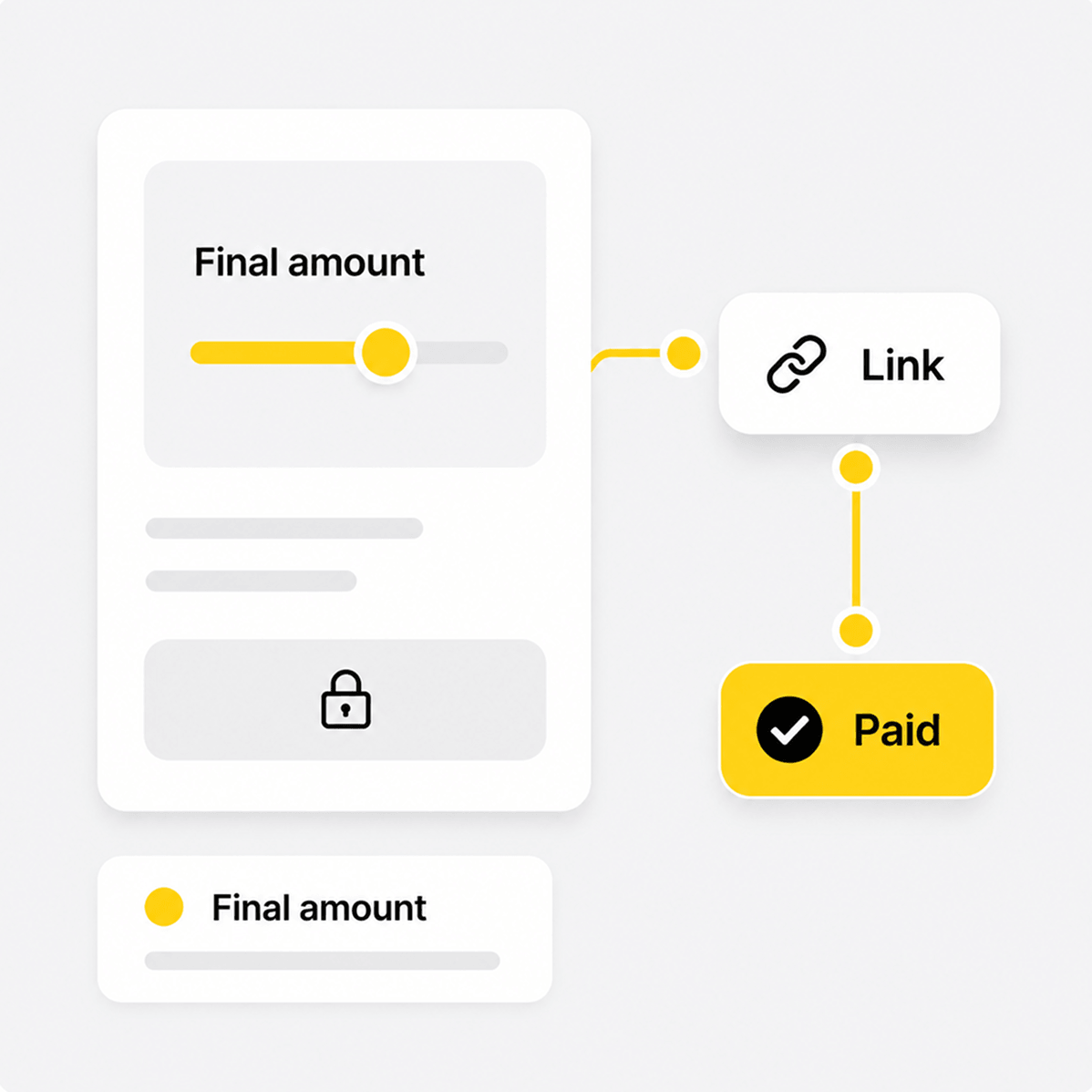
Accept an agreed custom amount when the final price is set outside QuickPay.

[02]how it works

From a payment link to a confirmed sale.

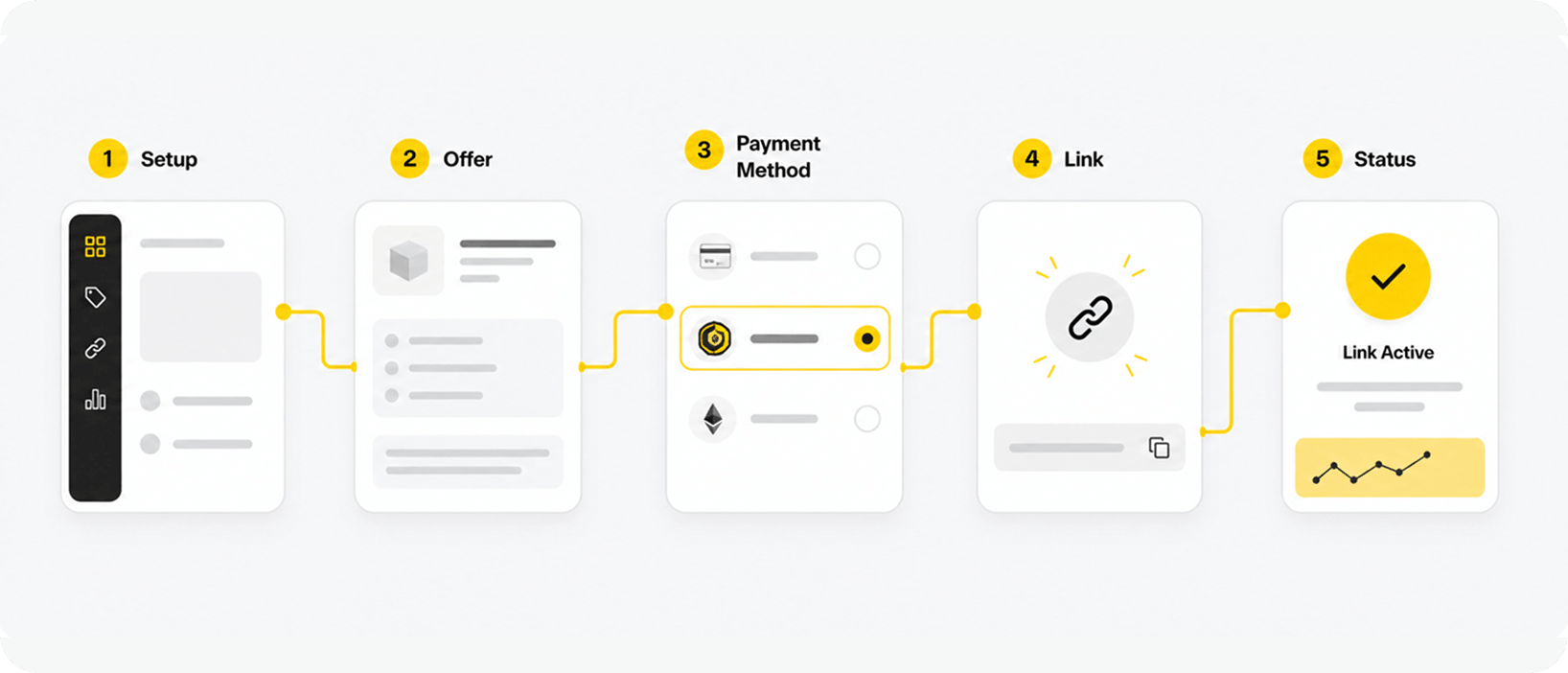
  1. 01 business

    Add What You Sell

    Create a product, service, or supported payment option in the Merchant Portal.

  2. 02 goat flow

    Create the Link

    QuickPay generates a direct link using the details and price you provide.

  3. 03 business

    Share It

    Send the link directly or make it available wherever customers and AI agents discover your offer.

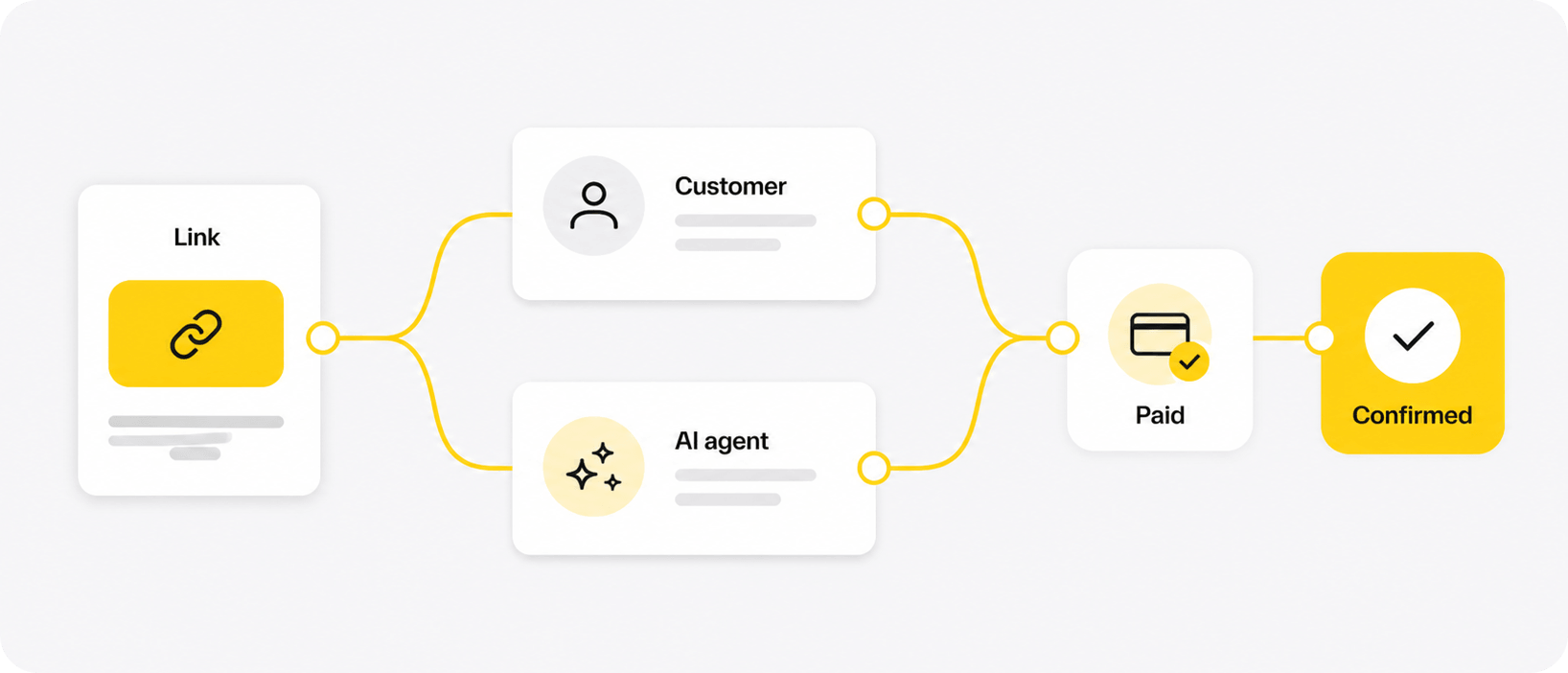
  4. 04 customer / ai agent

    Complete Payment

    Customers use the payment page, while AI agents can read the payment requirements and pay directly.

  5. 05 goat flow

    Confirm the Result

    GOAT Flow verifies the payment and updates the transaction status.

  6. 06 business

    Deliver

    You provide the product, service, or digital content after payment is confirmed.

[03]what you get

A simpler path from what you sell to payment.

01

Direct Payment Links

Create a focused payment destination without building a complete storefront.

02

Product and Service Details

Show the name, description, price, and supported payment options for the item being sold.

03

Customer and AI Agent Payments

Let customers use the payment page while AI agents interact with machine-readable payment requirements.

04

Clear Payment Status

See whether a payment is pending, confirmed, expired, or needs attention.

[04]integration & onboarding

Create payment links without building a checkout.

Payment Link Setup

Create and manage your QuickPay link in the Merchant Portal.

Setup steps

  1. Complete your merchant application and configure how you receive payments.
  2. Enable QuickPay in the Merchant Portal.
  3. Add the product or service, price, and available payment options.
  4. Generate and share the payment link.
  5. Track its transaction status in the Merchant Portal.

One Link for Customers and AI Agents

The same QuickPay link works for customers and AI agents.

How it works

  1. Customers open the link and pay by card or cryptocurrency.
  2. AI agents use x402 to read the offer and payment requirements from the same link.
  3. AI agents complete payment automatically using a supported fiat account or cryptocurrency wallet.
  4. GOAT Flow receives confirmation from Stripe or verifies the cryptocurrency payment on the selected blockchain network, then updates the transaction status.

[05]example flow

See what a QuickPay link contains.

01 Offer Setup

Name
Logo Design Service
Description
One custom logo design
Price
$100
Payment method
Cryptocurrency

02 Generated Link

03 Link Preview

Logo Design Service

One custom logo design

$100

Cryptocurrency payment

Ready for payment

[06]payment, fulfillment & trust

A payment link with a clear result.

Who is responsible for what

01

Seller or Creator

Sets the offer details and price, shares the payment link, and handles delivery, refunds, and customer support.

02

GOAT Flow

Provides the payment link, creates and tracks the transaction, matches the payment result, and returns the transaction status to the seller.

03

Stripe

Handles card details, authorization, processing, and settlement for eligible merchants.

04

Blockchain Network

Confirms cryptocurrency payments sent directly to the merchant’s configured wallet and makes the result available for verification.

05

Customer or AI Agent

Customers pay by card or cryptocurrency through the payment link, while AI agents use x402 to read the payment requirements and complete payment automatically using a supported fiat account or cryptocurrency wallet.